
diff options
| -rw-r--r-- | README.md | 4 |
1 files changed, 2 insertions, 2 deletions
@@ -364,7 +364,7 @@ Simply input what you want to do in natural language, and aichat will prompt and aichat -s <text>... ``` - +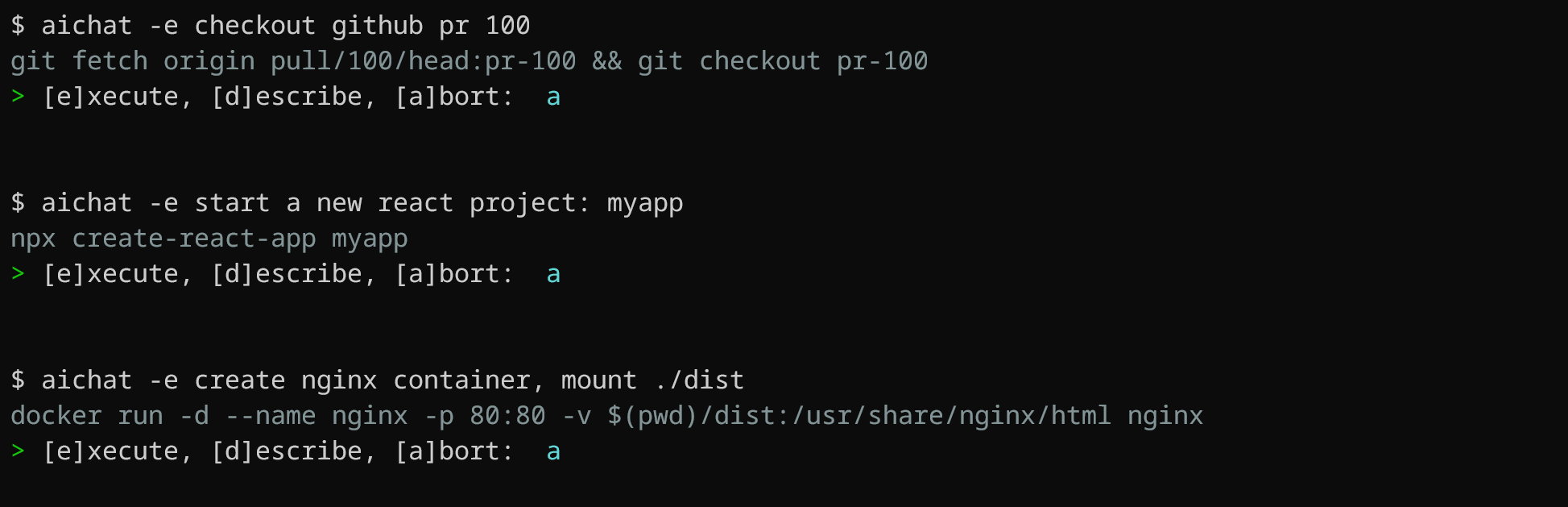 Aichat is aware of OS and `$SHELL` you are using, it will provide shell command for specific system you have. For instance, if you ask `aichat` to update your system, it will return a command based on your OS. Here's an example using macOS: @@ -398,7 +398,7 @@ aichat -e find all json files in current folder | pbcopy This is a **very handy feature**, which allows you to use `aichat` shell completions directly in your terminal, without the need to type `aichat` with prompt and arguments. This feature puts `aichat` completions directly into terminal buffer (input line), allowing for immediate editing of suggested commands. - +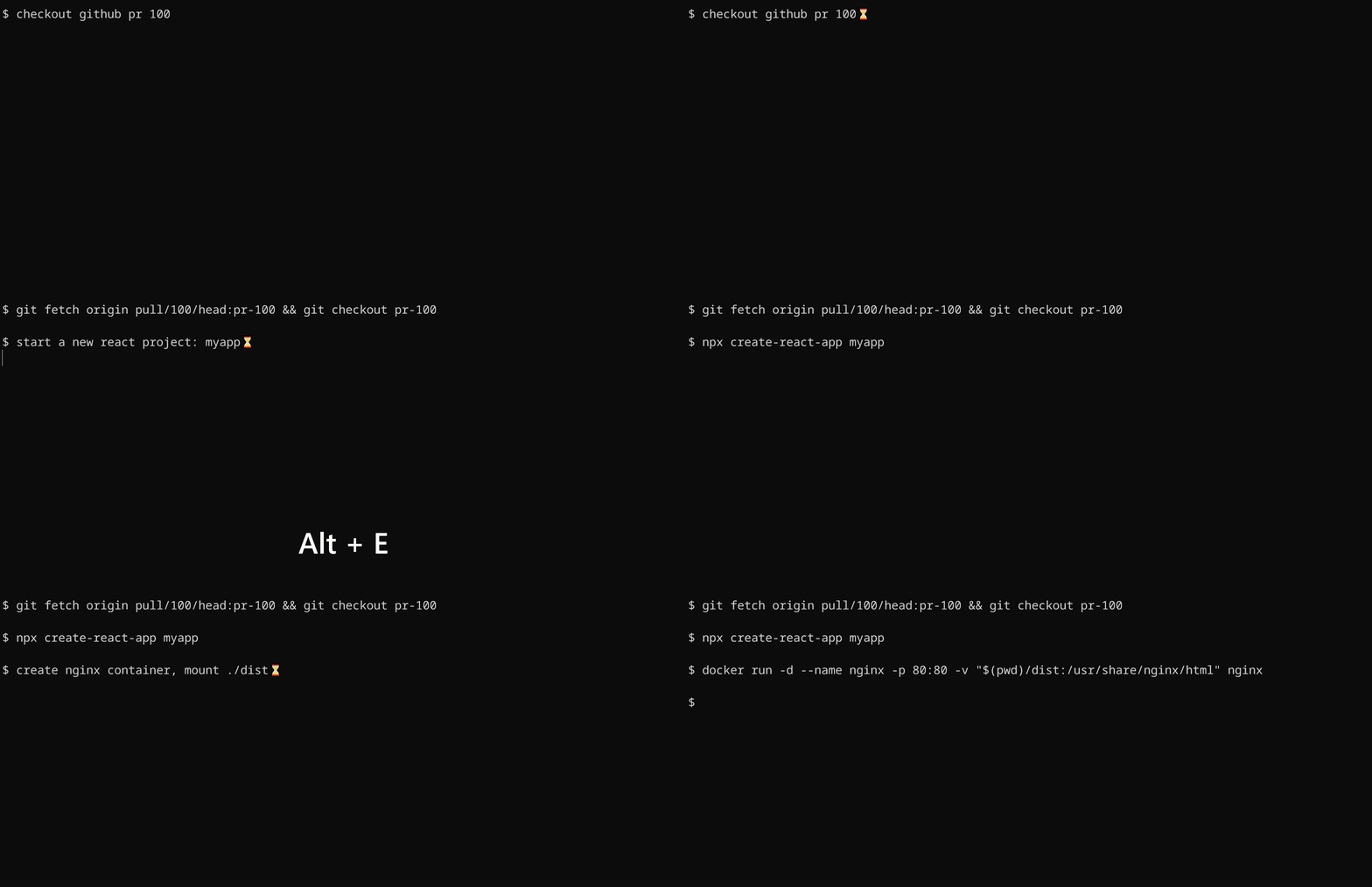 To install shell integration, run the following code: |